
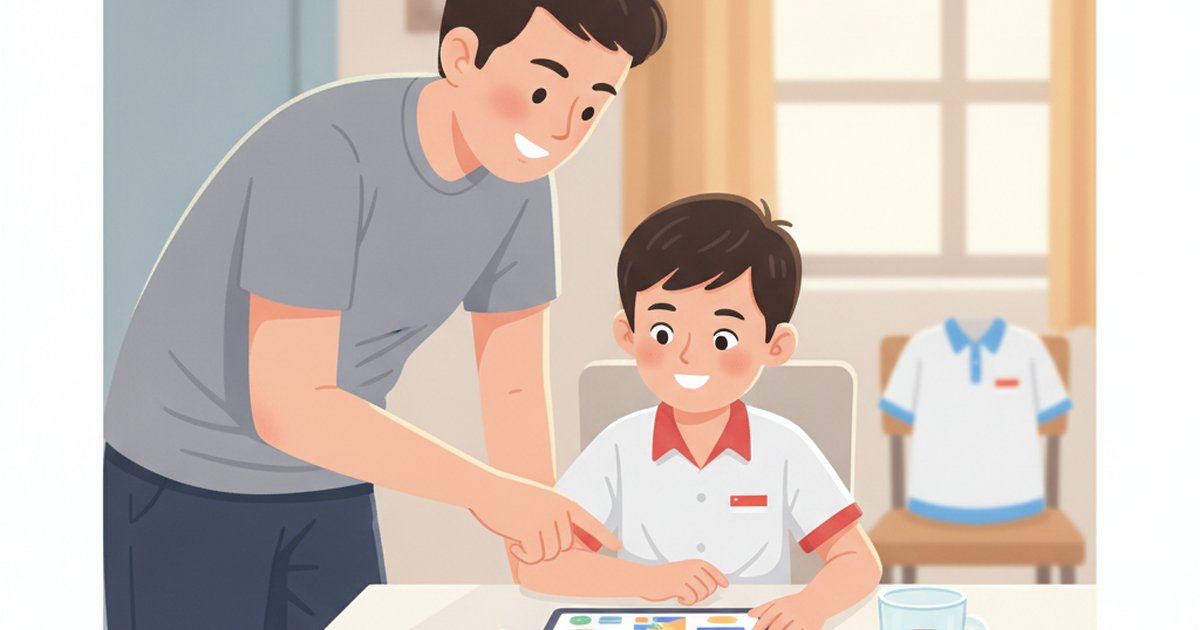
Tuition in Singapore is not cheap. Parents spent S$1.8 billion on private tutoring in 2023 — nearly 30% more than in 2018. One Tampines family burned through S$5,000 in a year and watched a C climb only to a C+. So before you sign anything, it’s worth asking: how far can free actually get your child?
The honest answer in 2026 is “further than you’d think” — if you know which free tools are real and which are just trial bait for a S$1,852-a-year lock-in.
What “free” really means in AI tutoring
Most apps marketed as “free” mean free to try. Tutorly.sg lets you test it with no signup, but using it properly costs S$49/month. Geniebook gives a 30-day refund window, not a free product. There’s nothing wrong with that — just don’t mistake a trial for a budget plan.
There are two kinds of genuinely free options: government-built tools your child already has, and time-boxed full-feature trials that let you judge an app before paying. Use both.
MOE SLS — the free tool your child already has
Every Singapore student already has an account on the Student Learning Space. Inside it, LEA acts as a learning assistant that asks guiding questions instead of dumping answers, and ALS builds personalised learning paths.
The catch is coverage: ALS currently spans only P5–S2 Math and Upper Secondary Geography. There’s no parent dashboard, no exam drilling, and no help with Chinese, English comprehension or lower-primary topics. But it’s free, government-backed, reviewed against MOE’s own ethics framework, and built into the curriculum. For a P5 child on Math, it’s a sensible starting point that costs you nothing.
Free trials actually worth your time
For everything SLS doesn’t cover, free trials are the smart move — if the app gives you the full product, not a crippled demo.
- LearnBuddy Spark runs 14 days, all subjects P1–JC2, voice and drawing input, no credit card, capped at 20 AI interactions a day. That’s enough to see whether your P3 kid who can’t type long sentences yet will actually engage.
- Tutorly.sg needs no signup to test — useful for a quick “does my child like chatting with an AI” gut check before the S$49/month kicks in.
Two timing rules. First, set a calendar reminder for the day before any trial ends so a paid plan doesn’t auto-start. Second, give the tool a real four-week routine, not one curious afternoon — most “this app doesn’t work” stories are really routine failures.
How to spot a paywall in disguise
Before you trust any “free” app with your child, run it through a quick check — parents on KiasuParents trade these horror stories daily:
- Does it demand a card upfront? A genuine trial shouldn’t.
- Is there an annual lock-in? Geniebook’s one-year commitment and 60-day suspension cap are the loudest complaints out there. Monthly, cancel-anytime is the parent-friendly standard.
- Can your kid use it without typing? Math working can’t be typed, and lower-primary children think faster than they write. Voice and drawing matter.
- Does it teach or just answer? December 2024 research warned that answer-dumping AI breeds “metacognitive laziness.” A tool that asks guiding questions — the LEA approach — builds skills instead of shortcuts.
- Is Mother Tongue done right? Several big platforms still run Chinese on the old syllabus, not 欢乐伙伴. Test it before you rely on it.
The bottom line
Stack the free layers first. Put your P5 child on SLS for Math. Run a full-feature trial — LearnBuddy Spark or a quick Tutorly test — for the subjects SLS skips. Watch how your kid responds over four weeks before paying a cent.
Free won’t replace every paid tool forever. But it will tell you, honestly and cheaply, what your child actually needs — so when you do pay, you pay for the right thing instead of another S$5,000 lesson in disappointment.