
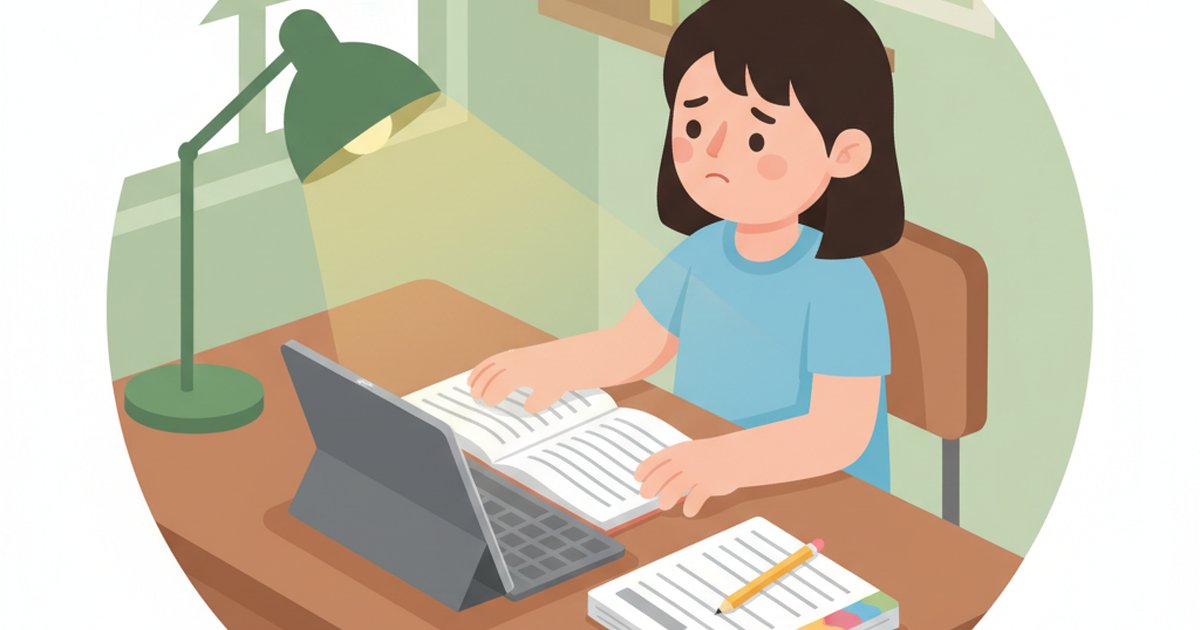
“Mummy, can I just do the assessment book instead?”
If your P1, P2, P3, or P4 kid has said something like that within five minutes of opening an AI tutor — you’re not alone, and the AI isn’t broken. It was simply built for an older child.
Here are the five things lower primary kids actually hate, ranked by how often they cause your subscription to quietly go unused.
1. They have to type
The biggest one by a mile. Most AI tutors are built around a textbox. A P2 kid pecking at six words per minute will lose her train of thought before she finishes the question. Typing speed is the bottleneck — not understanding.
If your child can think faster than she can type (and at this age, she always can), typing-only AI is dead on arrival.
2. The reply is a wall of text
You ask the AI about adding fractions. It comes back with three paragraphs, two formulas, and a worked example.
A P3 kid looks at a screen full of words and bounces. She isn’t reading-fluent enough to plough through an adult-length response. Most AI tutors have no sense of audience — they speak to a 9-year-old the way they’d speak to a Sec 4 student.
The fix is short replies, voice mode, or both. Most tools have neither.
3. Math working has nowhere to go
Singapore Math runs on bar models, working steps, and visible scribbles. “Show your working” is built into the curriculum from P1.
A typing-only AI cannot see working. So the kid does the question in her head — or on a scratch paper she’ll lose by Tuesday — and the AI never sees how she got there. Which means it can’t catch the actual mistake.
A drawing canvas with handwriting recognition isn’t a nice-to-have for P1–P4. It’s the whole product.
4. The voice mode doesn’t actually listen
A few tools advertise “voice.” Dig in and it turns out to be OS-level dictation that converts speech to text and dumps it into the same boring textbox.
A 9-year-old reading her own speech back from the screen is not voice tutoring. It’s a shorter typing route to the same dead end.
Real voice mode means: she talks, the AI talks back, they have a conversation. If your tool’s “voice” is a microphone icon that types for her, she’ll abandon it in two days.
5. It looks like an adult app
Open Geniebook on a phone next to a P2 girl. Watch her reaction. The dashboard, the worksheet picker, the menus, the sales banners — none of it is designed for a small person with small hands and a six-second attention span.
Lower primary kids need:
- Big buttons
- Almost no text
- Visual icons over labels
- A friendly mascot, not a corporate logo
Most AI tutors look like enterprise SaaS that someone slapped a cartoon on. Kids feel the difference instantly, even if they can’t articulate it.
The Fix
If your kid is in P1–P4, run any AI tutor through these five tests before paying:
| Test | What good looks like |
|---|---|
| Typing required? | No — voice + drawing first |
| Reply length | Short, conversational, kid-readable |
| Math working | Drawing canvas with handwriting recognition |
| Voice mode | Two-way conversation, not dictation |
| UI feel | Built for kids, not adults with kid stickers |
Five out of five — subscribe. Three or fewer — walk away. There are now enough lower-primary-friendly options that you don’t need to settle for a tool your child quietly resents using.
That’s the whole point of the multimodal AI tutoring wave — and it’s exactly the gap most incumbents still haven’t closed.